AI-powered learning design

From subject-matter expertise to a finished topic, in minutes, not weeks

Coursebench turns raw content from subject matter experts into fully learning-designed topics, course maps, architecture documents and assessment briefs, closing the gap between SMEs and the authoring tool.
Coursebench dashboard showing saved course designs

See it in action

The actual product

No mockups. This is what your team sees inside Coursebench.

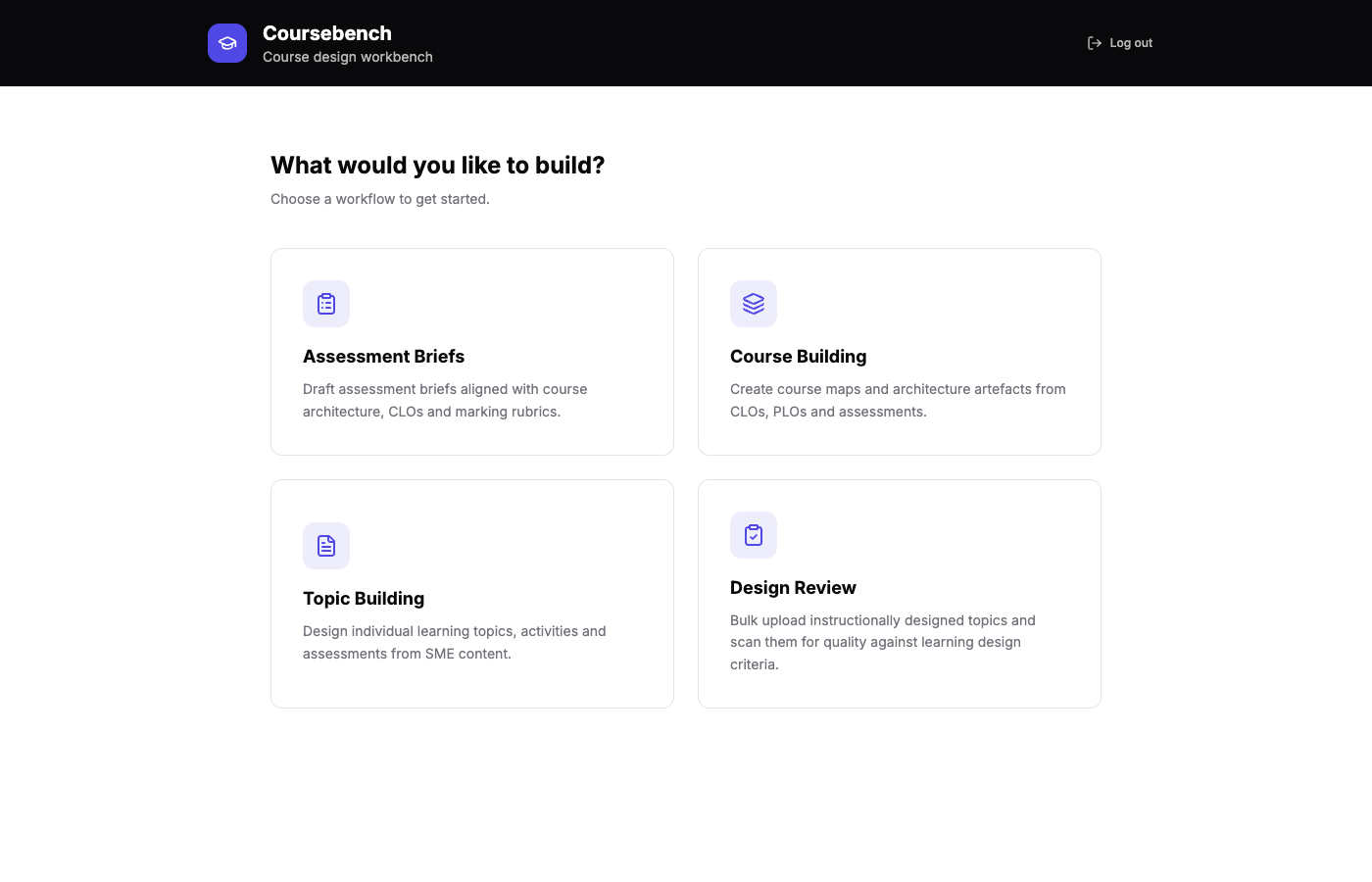
Coursebench dashboard showing saved course designs
Your workspace: every design in one place
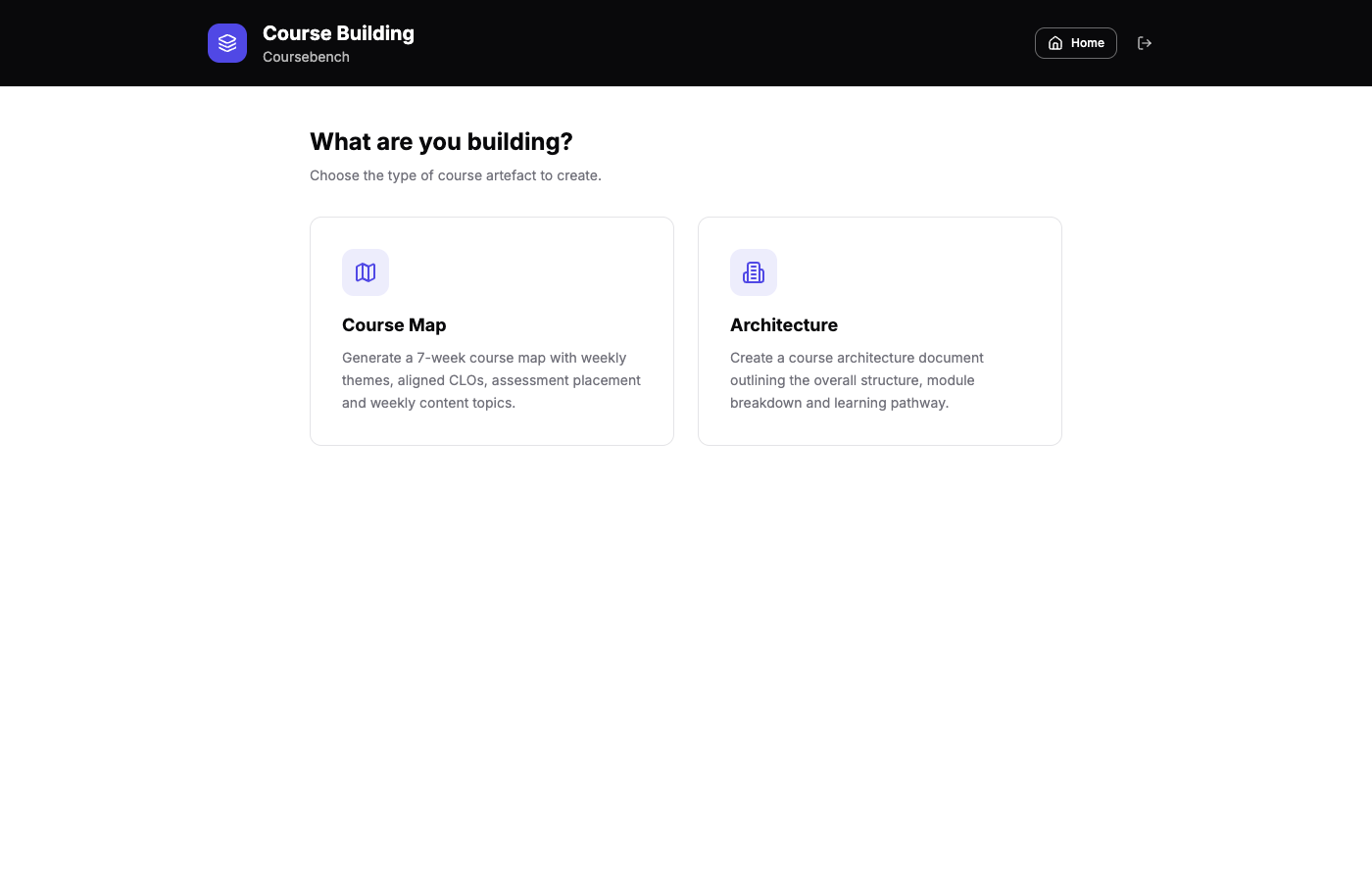
Coursebench course builder generating a course map
Course Builder: from CLOs to a finished map

From raw content to finished course

Upload subject-matter-expert content and get back a fully structured, pedagogically sound topic: introduction, activities, knowledge checks and summary included.

Consistent, compliant design every time

Australian English, correct citations, and quality checked against learning-design criteria automatically. No more inconsistent output between designers.

Built for teams at scale

Bulk-create dozens of topics from a folder of SME documents at once, then review, approve and export in bulk.

What you can build

Every stage of course design, covered

Six focused workflows that cover the full path from a subject matter expert's raw material to a finished, review-ready course.

Topic Builder

Individual learning topics

Design individual learning topics, activities and assessments from SME content (the flagship, most-used workflow).

Course Builder

Course maps & architecture

Create multi-week course maps and full architecture documents from CLOs, PLOs and assessments.

Assessment Builder

Assessment briefs

Draft assessment briefs aligned with course architecture, CLOs and marking rubrics.

Bulk Create

Generate at scale

Upload a whole folder of SME documents and generate topics for all of them in one run.

Design Review

Quality & compliance scan

Scan instructionally designed topics against learning-design criteria and compare against the original SME content.

Transcript Tool

Media transcription

Generate transcripts from YouTube, audio and video files to feed straight back into course design.

How it works

From raw content to a finished topic — see it happen

No templates to fill in and no blank page. Here's exactly what happens between uploading your SME's content and downloading a finished course.

01 — UPLOAD

Tell us what you're building

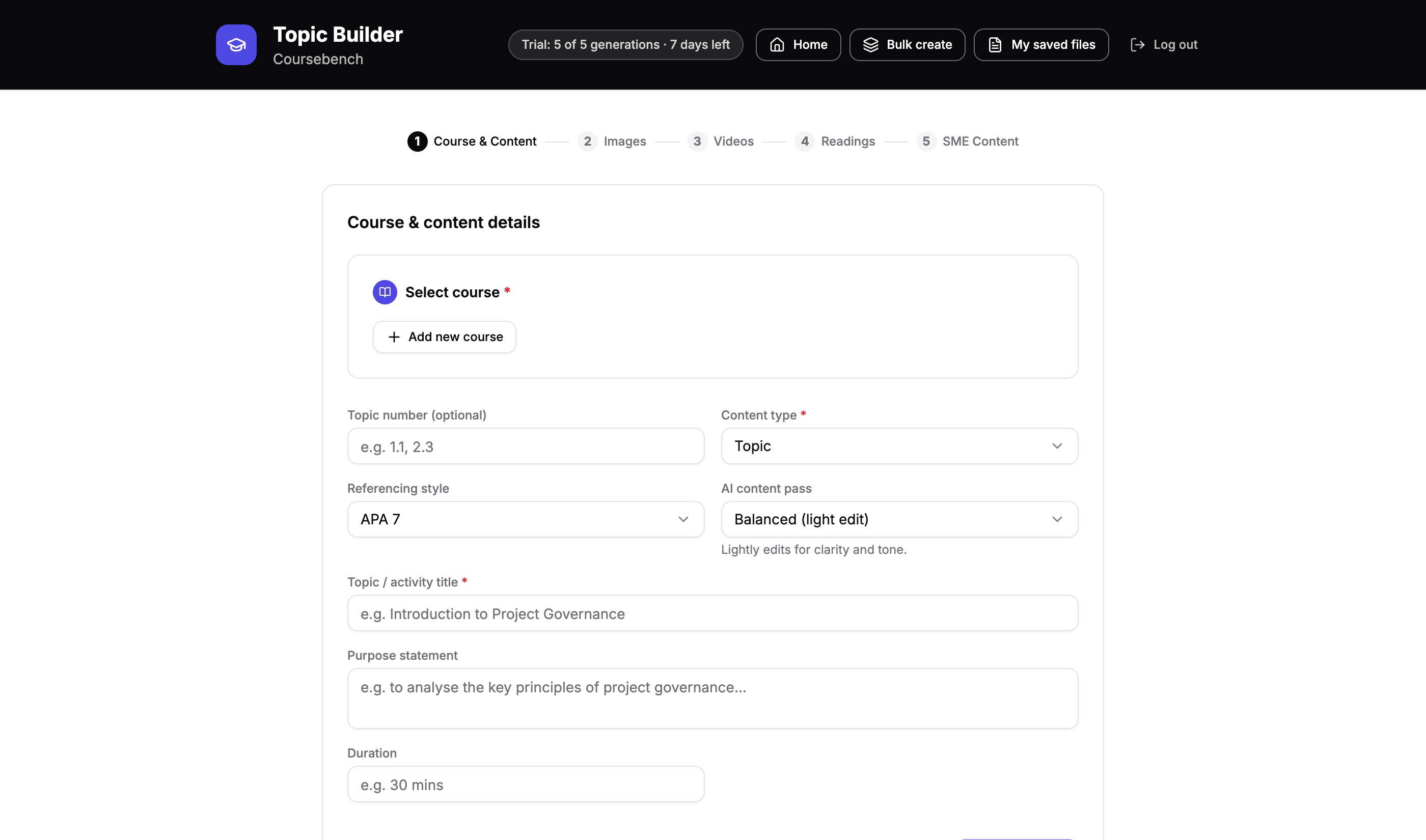
Select a course, set the topic title and purpose, and paste in your subject-matter expert's raw content. That's the whole brief — Coursebench takes it from there.

Coursebench's Course & Content details form
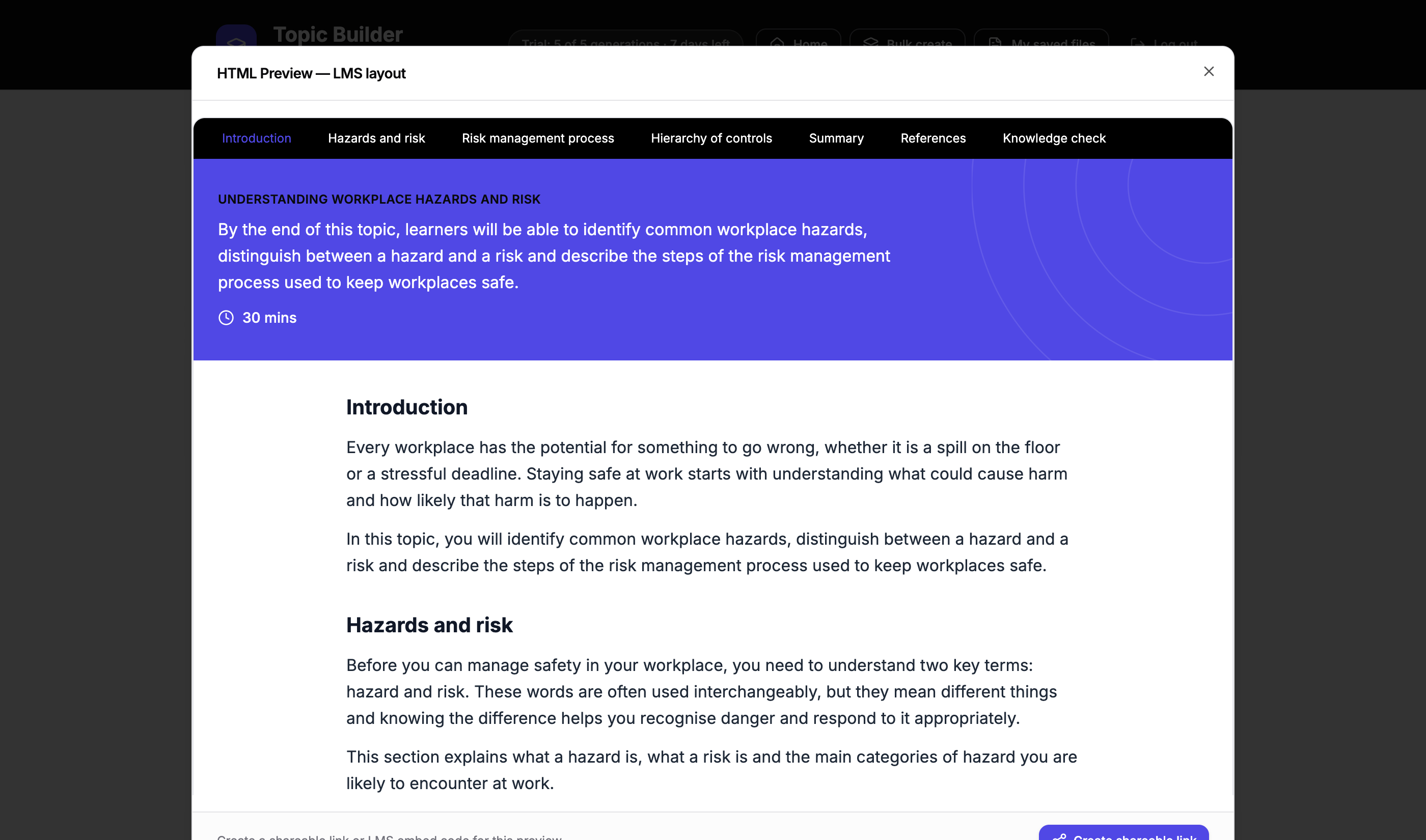
A finished, structured topic generated by Coursebench
02 — GENERATE

Watch it become a finished topic

In under a minute, Coursebench structures the content into a fully learning-designed topic — introduction, activities, knowledge checks and summary, all in place and ready to review.

03 — REVIEW & EXPORT

Review it, then take it anywhere

Step through an automated quality check, preview exactly what your students will see, and export straight to Word or a SCORM package for your LMS.

Coursebench's review and export options — HTML preview, LX review, SCORM and Word download

Where it comes from

Built on a decade of instructional design

Coursebench grew out of Always Be Learning (ABLE), an education consultancy. Before it was software, this expertise was applied by hand for organisations including:

Serco SciShow People of Influence Sentinel|9 Winning Appliances Queensland Conservation Council Merivale
A

Created by

Always Be Learning (ABLE)

Always Be Learning (ABLE) is an Australian learning design consultancy, and the team behind Coursebench. After years of hand-building learning designs for universities and organisations across Australia, ABLE built Coursebench to give every subject-matter expert the same quality of instructional design, without the wait.

Visit ablearn.com.au ↗

Get in touch

See Coursebench in action

Book a walkthrough, or ask about a white-labelled instance for your organisation.

Email us directly